IBM Plex Sans
Headlines, body copy, and editorial text
Aa Bb Cc Dd Ee
0123456789 & ? ! %
400 Regular600 Semibold700 Bold
The State Navigate wordmark is the primary signature. The turn-and-arrow emblem may stand alone where space is limited.
Primary wordmark / light field

 Emblem
Reverse wordmark / dark field

 Use supplied
Keep clear space equal to the arrowhead height and preserve the artwork’s original proportions.
Do not redraw, stretch, rotate, recolor, or place the mark over busy imagery.
IBM Plex Sans carries headlines and reading text. JetBrains Mono is reserved for controls, metadata, navigation, labels, and data utilities.
Headlines, body copy, and editorial text
Aa Bb Cc Dd Ee
0123456789 & ? ! %
400 Regular600 Semibold700 Bold
Controls, metadata, navigation, and data labels
Aa Bb Cc Dd Ee
0123456789 & ? ! %
400 Regular700 Bold
Use sentence case. Keep body copy open and easy to scan. Let size and spacing establish hierarchy before color.
A compact, repeatable scale keeps civic information legible from page titles to data labels.
Nonpartisan, accessible, transparent, and direct. Write for people who follow state power without assuming insider knowledge.
Orange signals navigation and action. Ink and paper form the foundation. Supporting colors encode political data and additional categories.
Pair color with text, shape, or symbols—never rely on color alone. Party and outcome colors are data, not decoration.
State Navigate uses six named stages from full daylight to full night. The first three are light appearances; the final three are dark.
Honor the device preference on first visit. After a reader chooses a stage, keep that choice stable across routes and sessions.
Components consume page, text, muted, rule, field, finder, accent, and on-accent roles. Do not hard-code a surface inside a shared component.
Appearance changes color roles and supplied artwork. It does not change content order, spacing, meaning, or available controls.
Dark mode is a complete semantic theme, not an inversion filter. Swap surface, text, muted, rule, logo, and data-support roles together.
Light / Full sun
Official-source civic data retains the same hierarchy in every appearance.
Dark / Full moon
Change the semantic tokens and supplied artwork, while keeping meaning stable.
Use the reverse wordmark and emblem on dark surfaces.
Use soft orange for dark-mode text. Solid orange controls retain ink text.
Use a deliberate overlay or quiet crop; never apply automatic inversion to photography.
Brand expression must remain readable and operable. Test contrast, focus, content structure, and redundant data cues in every appearance.
Target at least 4.5:1 for normal text and 3:1 for large text under WCAG 2.2 AA. Measure the actual foreground and background pair.
Pair party, status, and outcome colors with text, symbols, shape, or pattern.
Show keyboard focus and selected states with a clear background change and readable foreground contrast.
Use semantic headings, native controls, descriptive labels, and meaningful alternative text.
Use SVG for websites and scalable artwork. Use PNG for documents, presentations, and platforms that do not accept vector files.
Ink lettering with the orange navigation line for light backgrounds.
Paper lettering with the soft-orange accent for dark backgrounds.

The compact turn-and-arrow mark for light backgrounds and small spaces.
The compact mark prepared for dark fields.

Ink lettering with a paper navigation line for the soft-orange brand field.

The compact emblem prepared to fill a circular profile image.
“Your Compass for State Legislatures” in primary and reverse treatments.
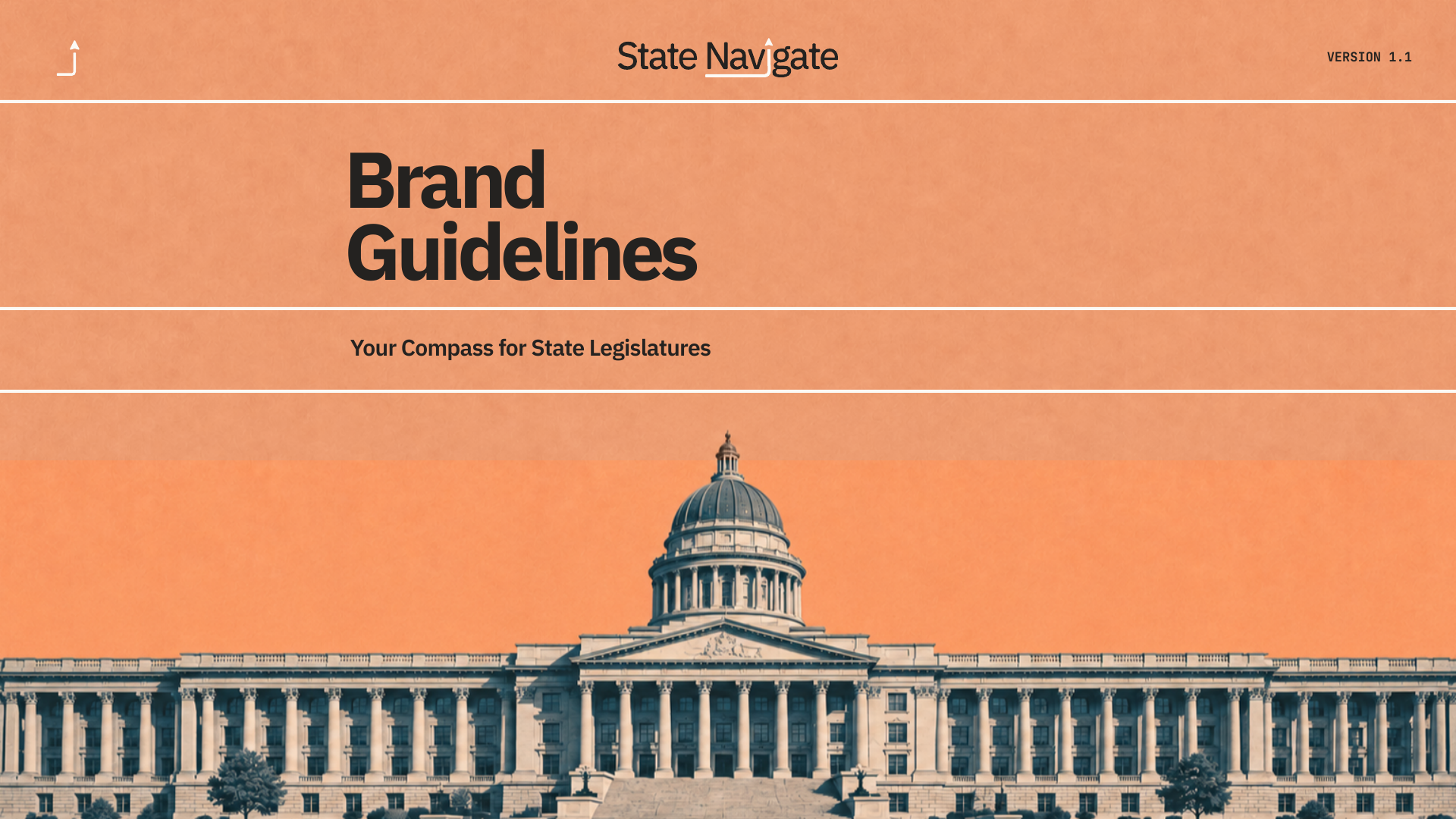
The full nine-page version 1.1 guide, cover artwork, and editable Illustrator source.
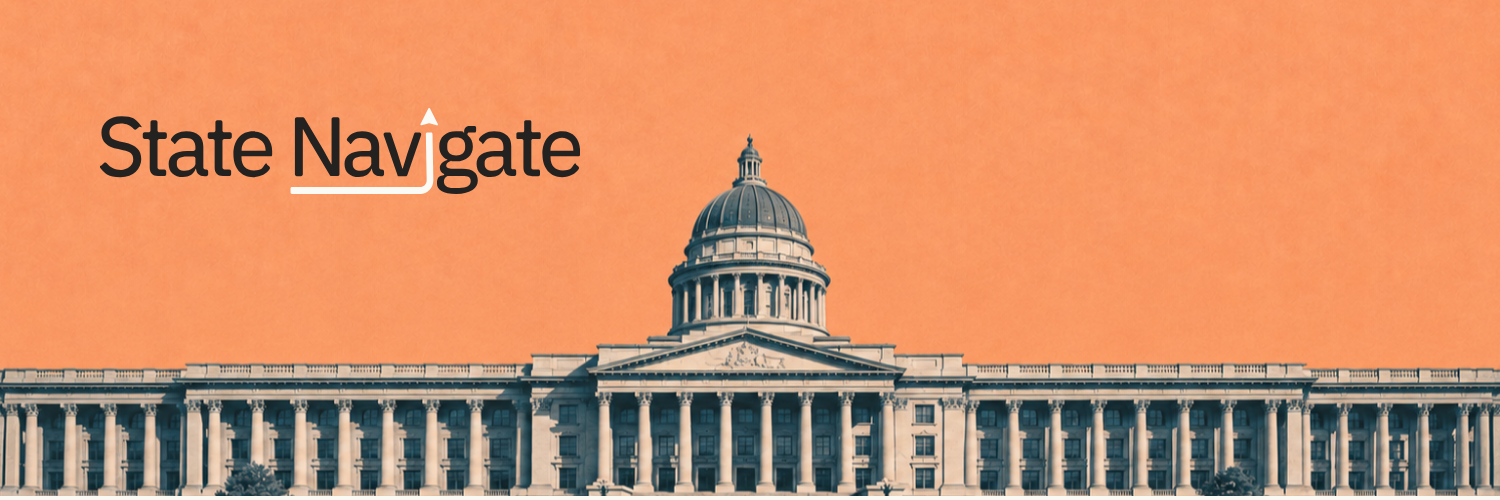
Production-ready 1500 × 500 PNG without layout guides.






Social banner
Social headers pair restrained civic imagery with a clear wordmark. Keep the emblem readable at avatar scale and leave the right third quiet for platform controls.
Keep essential artwork in the left safe area.
Use the compact emblem for the profile avatar.
Keep the right third visually quiet.